Epona

Training Video

Finding and managing documents with Epona365

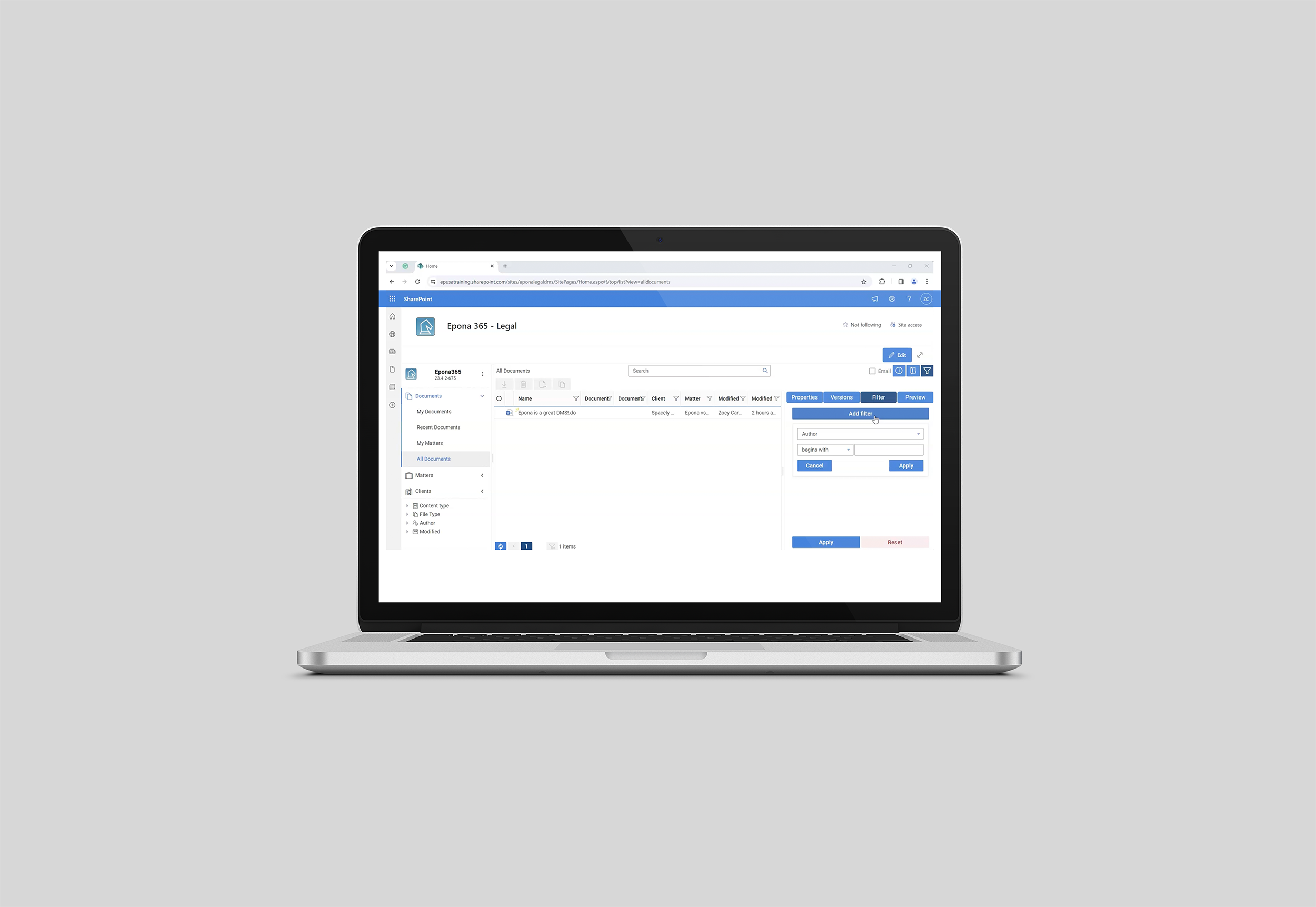
Explore the Epona365 interface to quickly find and manage documents in the DMS. Use search, filters, and the details pane for fast results, and navigate directly to related matters for seamless management.

How to easily find a document in Epona365

This video tutorial guides you through the Epona365 interface, showing you how to quickly locate and manage documents stored in the Epona Document Management System (DMS). Learn how to use search functions, filters, and the details pane to efficiently find any document, whether newly uploaded or from your existing records. Plus, discover how to easily navigate to the document’s matter for seamless document management.

Watch the Video Here

epona.com is committed to protecting and respecting your privacy and therefore we only store and process your personal data in order to deliver the requested content to you. If you agree to us storing your personal data for this purpose, please check the box below.

You can unsubscribe from these communications at any time. For more information on how to unsubscribe, about our practices and how we are committed to protecting and respecting your privacy, please read our privacy policy.